
Online banking makes it easier to manage money from a phone or computer. You can check your balance, transfer money, pay bills, deposit checks, review transactions, and manage accounts without visiting a physical bank branch.
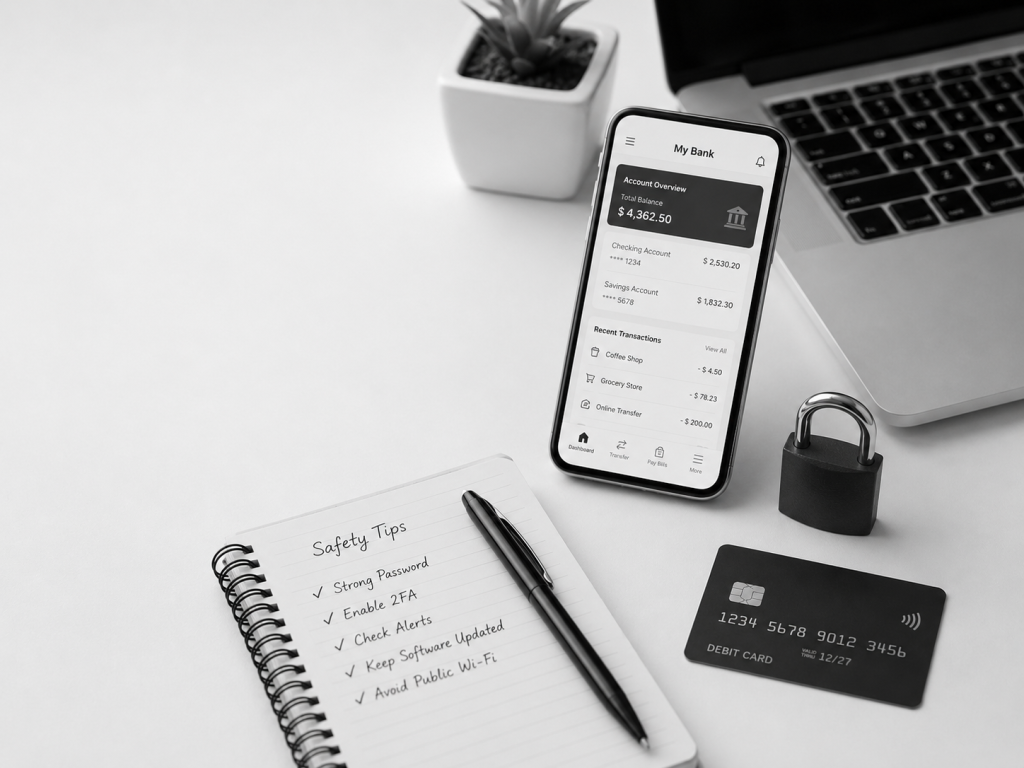
For beginners, online banking can be convenient and useful. But it is also important to use it carefully.
Your bank account contains personal and financial information. If someone gains access to your online banking login, they may be able to view account details, move money, or use your information for fraud.
The good news is that many online banking risks can be reduced with simple habits. This guide explains basic online banking safety tips for beginners.
Why Online Banking Safety Matters
Online banking safety matters because your bank account is connected to your money, identity, and personal information.
A weak password, fake message, unsafe Wi-Fi connection, or stolen phone can create problems if you are not careful.
Common risks may include phishing emails, fake bank websites, suspicious text messages, stolen login information, malware, unauthorized transactions, and debit card fraud.
Beginners do not need to be cybersecurity experts. But they should understand the basic steps that help protect an account.
Safe online banking is mostly about good habits.
Use a Strong and Unique Password
Your online banking password should be strong and unique.
Do not use simple passwords such as your birthday, phone number, name, pet name, or common words.
A strong password is usually longer and harder to guess. It may include a mix of letters, numbers, and symbols.
You should also avoid using the same password for your bank account that you use for social media, shopping websites, email, or other apps.
This is important because if one website has a data breach, a reused password may put other accounts at risk.
A password manager can help you create and store strong passwords, but you should choose a trusted option and protect it carefully.
Turn On Two-Factor Authentication
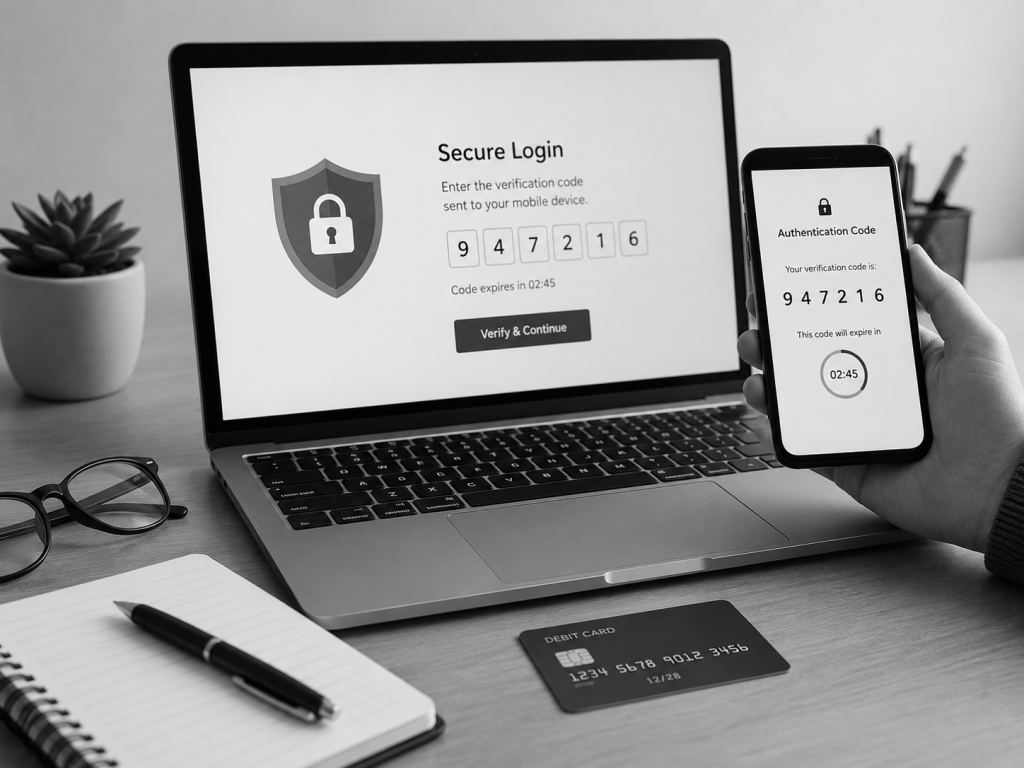
Two-factor authentication, also called 2FA, adds an extra layer of security to your online banking account.
With 2FA, logging in may require both your password and another verification step. This could be a code sent to your phone, a code from an authentication app, a push notification, or another security method.
Even if someone knows your password, 2FA can make it harder for them to access your account.If your bank offers two-factor authentication, it is usually smart to turn it on.You should also keep your phone number and recovery information updated with your bank. If your phone number changes and your account still uses the old number, logging in or recovering access may become difficult.
Avoid Public Wi-Fi for Banking
Public Wi-Fi can be risky, especially in places like cafes, hotels, airports, shopping centers, or public libraries.
When you are using public Wi-Fi, avoid logging into your online banking account if possible.
Public networks may be less secure than your home internet or mobile data connection. Some attackers may also create fake Wi-Fi networks that look legitimate.
If you need to check your bank account while outside, mobile data is usually safer than public Wi-Fi.
If you must use public Wi-Fi, avoid making sensitive transactions and make sure you are using the official bank app or official bank website.
Use the Official Bank App or Website
Always use your bank’s official app or website.
Do not log in through links in random emails, text messages, social media messages, or pop-up ads.
Scammers may create fake websites that look similar to real bank websites. These fake pages may try to steal your username, password, security code, or personal information.
A safer habit is to open your bank app directly from your phone or type the bank’s official website address yourself.
When downloading a banking app, use the official app store on your device and check that the app is published by the real bank or financial institution.
Avoid downloading banking apps from unknown websites.
Watch Out for Phishing Emails and Texts
Phishing is one of the most common online banking risks.
A phishing message is a fake email, text, or message that tries to trick you into giving away personal information.
A fake message may say your account is locked, your card was used, your payment failed, or you must verify your identity immediately.
These messages often try to create fear or urgency.
Be careful with messages that ask you to click a link, enter your password, provide a security code, or share personal information.
Banks may contact customers, but you should be cautious. If you are unsure whether a message is real, do not click the link. Open your bank app directly or contact the bank using the phone number from the official website or the back of your debit card.
Set Up Account Alerts
Account alerts can help you notice problems quickly.
Many banks allow you to set alerts for account activity. These alerts may be sent by text, email, push notification, or in-app message.
Useful alerts may include:
- Low balance alerts
- Large transaction alerts
- Debit card purchase alerts
- ATM withdrawal alerts
- Login alerts
- Password change alerts
- Transfer alerts
- Direct deposit alerts
Account alerts help you monitor your account without checking it every hour.
If you receive an alert for a transaction you do not recognize, you can respond faster.
Keep Your Phone and Computer Updated
Your phone, computer, browser, and banking app should be kept updated.
Updates often fix security problems and improve protection against new threats.
If your device is outdated, it may be easier for malware or attackers to take advantage of security weaknesses.
You should also avoid installing unknown apps, suspicious browser extensions, or software from untrusted websites.
If you use mobile banking, protect your phone with a passcode, fingerprint, or face unlock.
A lost phone can become a serious problem if your banking app, email, and text messages are not protected.
Check Your Transactions Regularly
Checking your transactions regularly is one of the simplest ways to protect your money.
You do not need to check every minute, but it is smart to review your account often.
Look for transactions you do not recognize, duplicate charges, unexpected fees, failed payments, or unusual transfers.
If you notice something strange, contact your bank quickly.
The sooner you report suspicious activity, the easier it may be to limit damage and resolve the issue.
Regular review also helps you manage your budget and avoid overdrafts.
Protect Your Debit Card and Login Information
Your debit card and online banking login should be treated carefully.
Do not share your online banking username, password, PIN, one-time codes, or security answers with other people.
Be careful if someone asks you to send a code from your phone. Scammers may pretend to be bank employees, delivery companies, support agents, or even friends.
Your bank will not usually ask you to give your password or full security code through a random message.
You should also protect your debit card number and PIN.
When using an ATM, cover the keypad when entering your PIN. Avoid ATMs that look damaged, unusual, or modified.
If your card is lost or stolen, lock the card in your banking app if possible and contact your bank.
Use Secure Email and Phone Habits
Your email account is important because it may be connected to bank alerts, password resets, and account recovery.
Protect your email with a strong password and two-factor authentication.
If someone gains access to your email, they may try to reset passwords for other accounts.
You should also be careful with phone calls. Some scammers pretend to be bank representatives and ask for personal information.
If someone calls you and says they are from your bank, do not feel pressured to provide information immediately.
You can hang up and call the bank directly using the official number.
Avoid Saving Passwords on Shared Devices
Do not save your online banking password on a shared computer or public device.
This includes computers at hotels, schools, libraries, offices, or internet cafes.
If you must use a shared device, avoid logging into banking accounts. If you have no other choice, make sure you log out completely and do not save login information.
Also avoid using public printers for sensitive bank documents unless necessary.
For online banking, your personal phone or computer is usually safer than a shared device.
Be Careful With Mobile Check Deposit
Mobile check deposit is convenient, but it should be used carefully.
When depositing a check through a banking app, make sure you are using the official app and have a stable internet connection.
After depositing the check, follow your bank’s instructions about how long to keep the physical check before destroying it.
Do not leave deposited checks lying around where others can access them.
Also avoid depositing the same check twice. This can create account issues or delays.
What to Do If You Notice Suspicious Activity
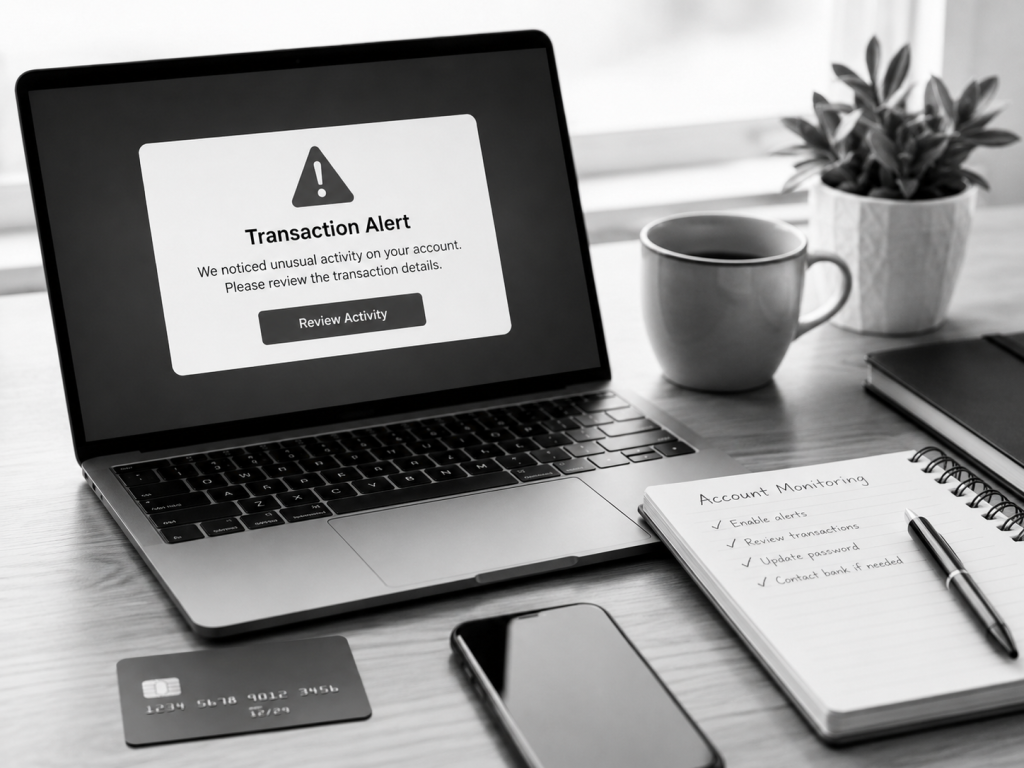
If you notice suspicious activity, act quickly.
You should contact your bank using the official phone number or secure app support. Do not use a phone number from a suspicious text or email.
You may need to lock your debit card, change your online banking password, review recent transactions, report unauthorized activity, and follow the bank’s instructions.
If your phone or computer may be compromised, update your passwords from a safe device.
You should also check your email account, because email access can affect banking security.
Fast action can help reduce risk and protect your account.
Common Beginner Mistakes to Avoid
One common mistake is using the same password for many accounts. If one account is exposed, others may become vulnerable.
Another mistake is clicking bank links in text messages without checking whether they are real.
Some beginners also ignore small suspicious charges. A small unknown transaction can sometimes be a test before larger fraud.
Another mistake is using public Wi-Fi for banking without thinking about security.
It is also risky to give verification codes to other people. One-time codes should be kept private.
Online banking is safer when you slow down, check details, and avoid rushing.
Final Thoughts
Online banking is a useful tool for managing money, paying bills, checking balances, and handling everyday financial activity.
For beginners, the most important safety habits are simple: use a strong password, turn on two-factor authentication, avoid public Wi-Fi for banking, use the official bank app or website, watch for phishing messages, set up account alerts, and review transactions regularly.
You do not need a complicated system to bank safely online.
Small habits can protect your account and help you feel more confident with digital banking.
Disclaimer
The information in this article is for educational purposes only and should not be considered financial, legal, cybersecurity, tax, credit, or investment advice. Online banking features, security tools, fraud policies, account protections, fees, and terms may change over time. Always review the official information and security guidance from your financial institution. If you notice suspicious activity or believe your account may be compromised, contact your bank or financial institution directly through official channels.
Leave a Reply